


It’s time to use google maps offline in your android by simply downloading the particular area from your maps. Go through the post to know how to use Google Maps Offline.
oogle Maps is an impressive app developed by google to locate any address through your android smartphone. Google Maps helps you to navigate all over the world through its street view, Traffic view, and Satellite views. This app operates on the internet and uses your GPS to track your location.
However, when we navigate through google maps it requires some high-speed internet connection to load all the direction and places properly. But, sometimes due to network problems we are incapable of accessing Google Maps on our android device. So in this post, I will tell you the method to use Google Maps offline. Many of you will think it is impossible, but the method given below, which makes it possible to save the google map for offline use.
How to Use Google Maps Offline On Your Android

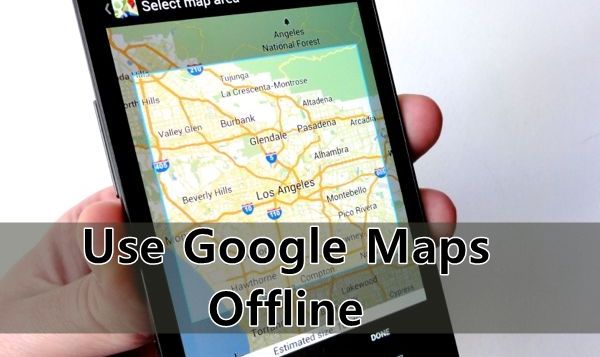
Here is a method that will help you download maps of the particular area in your android to browse it when you don’t have the internet connection. So have a look on complete guide discussed below to proceed.
Method To Save Google Maps For Offline Use:
Step 1. Open your Google Map app in your android with internet connection on. NowNavigate to the location or area which you want to save for offline use.

Step 2. Now selection option from three dotted buttons at the left corner of your app, and then select “Your Places”
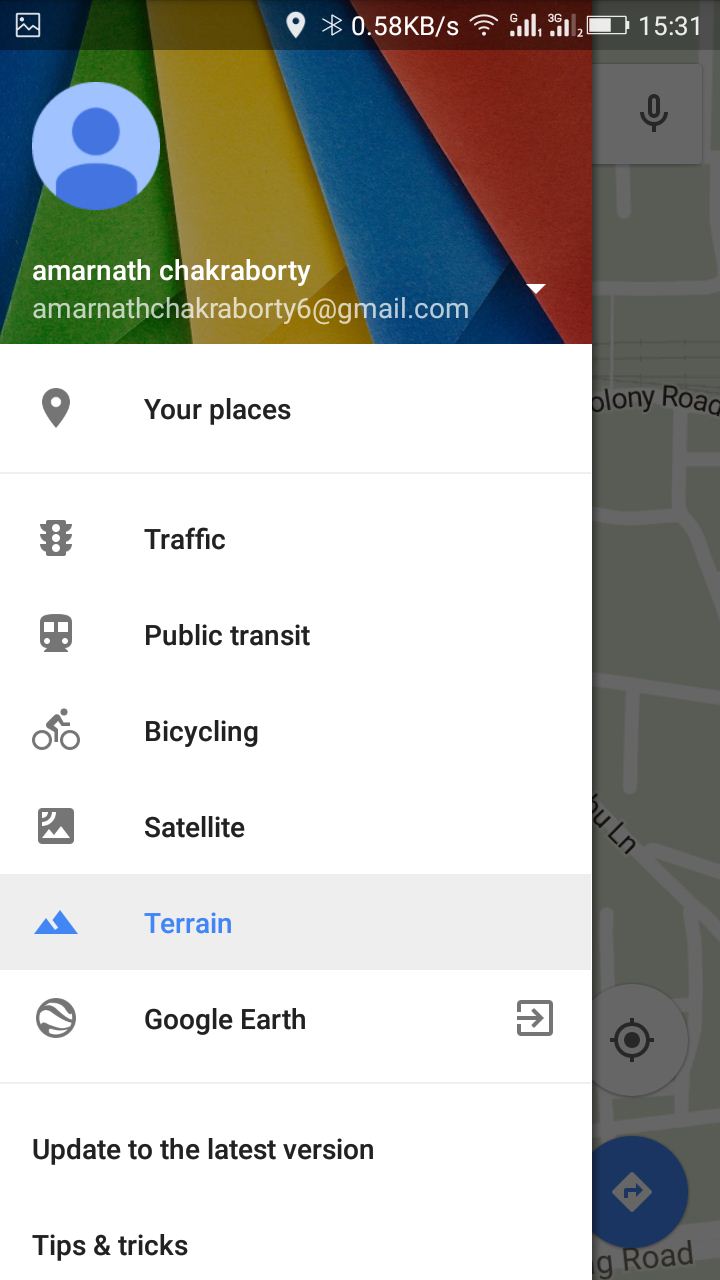
Step 3. Now there select Select a new offline map.
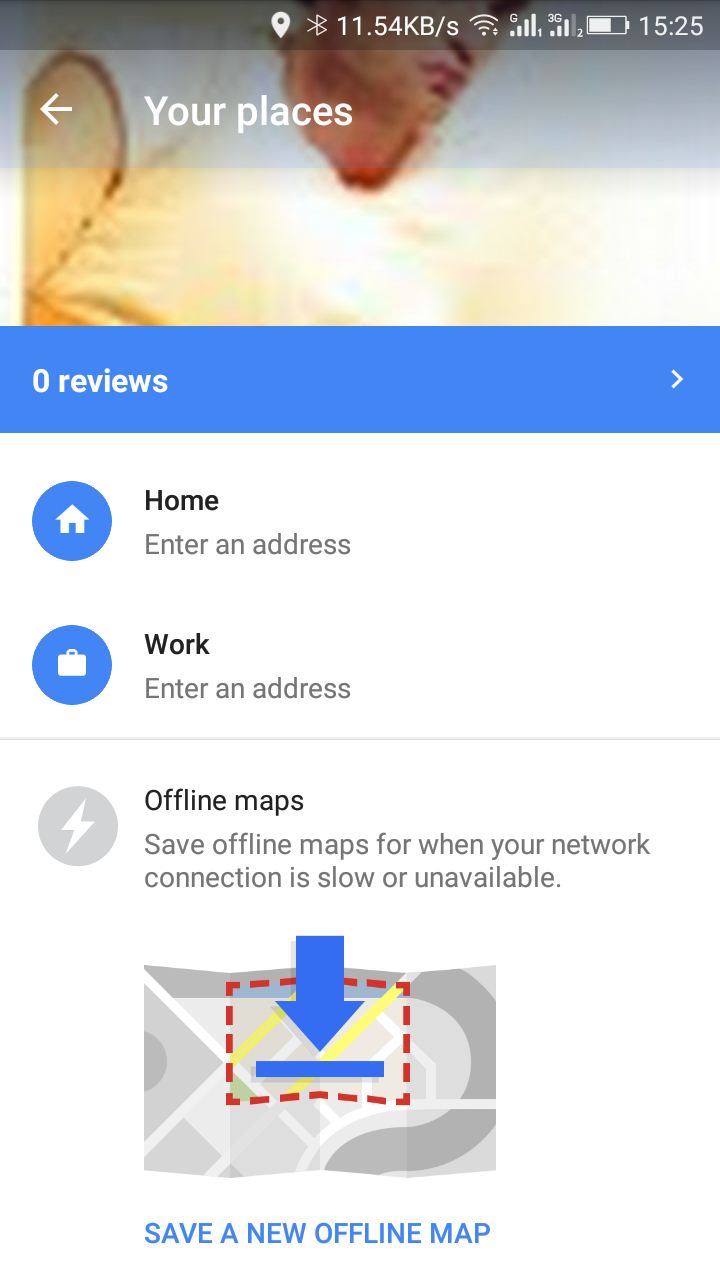
Step 4. Now only zoom in only allowed an area to save on the map. Now save the map with your desired name.

Step 5. It will now download the complete map of selected area. That’s it! now you can access Google Maps without your internet connection of a particular selected are.
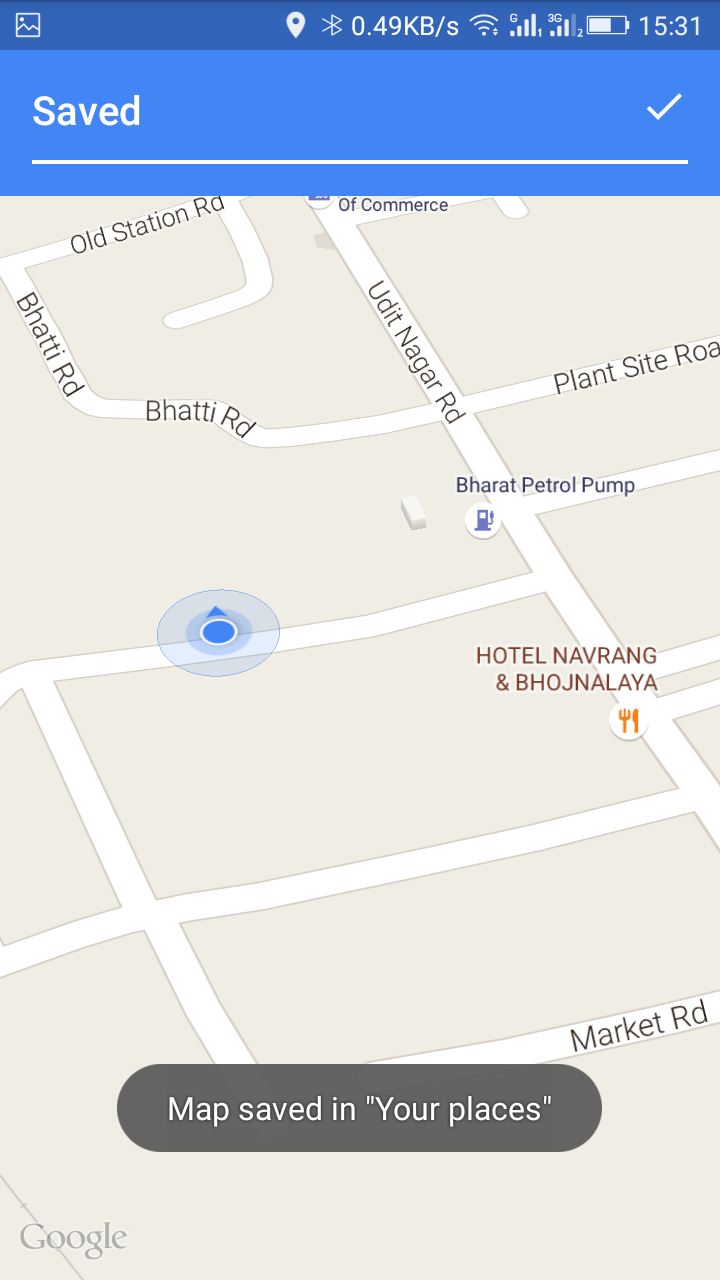
By this, your Google Map of selected area will get saved in your phone memory.
Method To Access Saved Google Maps Offline:
Step 1. First, open the Google Map app and then swipe the option from left.
Step 2. Now click on Your Place.
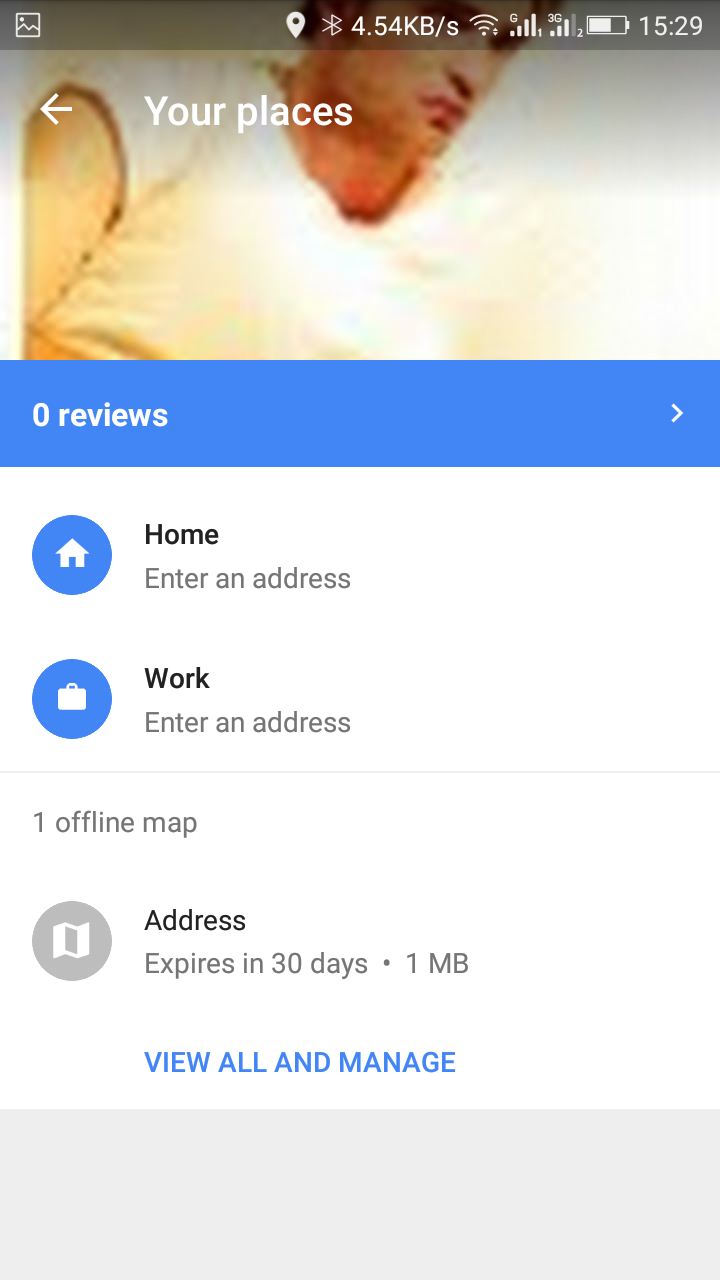
If your data connection is not available, then you need to scroll down to the bottom. FindView all and manage. There you will find your saved maps, Just tap it and navigate through it.
Note:
- The area to be selected must be not too large .
- The saved google maps data will get cleared after 30 Days.
- Accessing Locations will be slow
- Since no internet connection is there you will not be able to navigate through step by step navigation.
By this method, you can easily access the Google Maps Offline and this will help you to navigate through different street either if you don’t have the internet connection or some other network issues. Don’t forget to share this helpful post. Leave a comment if you like the post.




0 comments :
Post a Comment