


You can Save your researches on the internet in your Google Chrome browser itself as a memo using the extension Mini Mammoth. We are going to share a complete guide to saving the complete internet research on Google Chrome using Mini Mammoth. Go through the post to know about it.
any of you must keep on searching all new things over the internet. As a tech geek me too keep on searching for tech guides but sometimes we need to quick save some research for the later watch at that time we keep on looking into our browser history. Therefore, here I am going to discuss a cool google chrome extension in which you can easily save anything that you get as a result while browsing in chrome like any web page, and quotes or any pictures etc that instantly attracts you and you just want to capture out that for later exploring. So have a look at the complete guide to embedding this extension in your browser and start collecting your researchers easily.
How To Save Internet Researches On Google Chrome
The extension is very cool and amazing and it immediately stores your cool research right in your browser and you just need is drag and drop in your browser and you can easily refer all your notes or research later in your free time. So have a look at the complete step by step guide discussed below to proceed.
Steps To Use Mini Mammoth Extension In Chrome
Step 1. First of all, in your google chrome, you have to install extension Mini Mammoth.
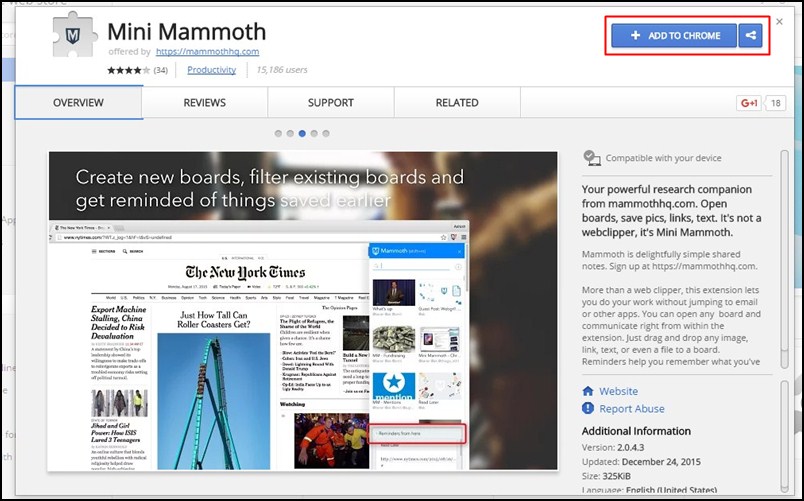
Step 2. After installing this extension you will see the notification on your right top screen of your chrome.
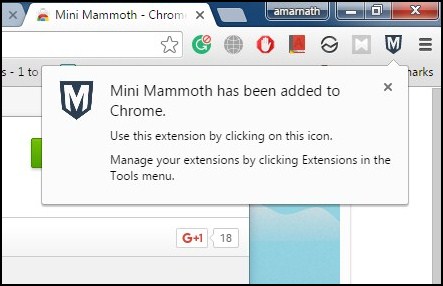
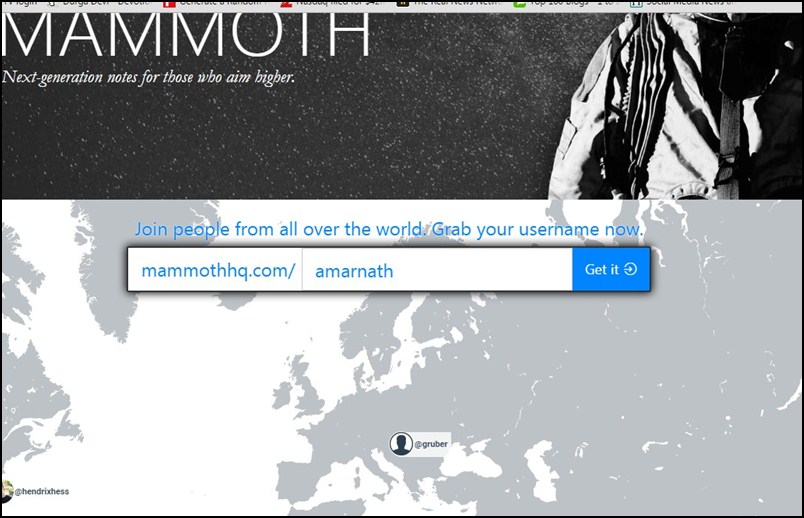
Step 3. Now click on an icon of extension and there you need a little sign up to use this extension. Now you have to enter your name as an identification in this extension, use any desired name there.
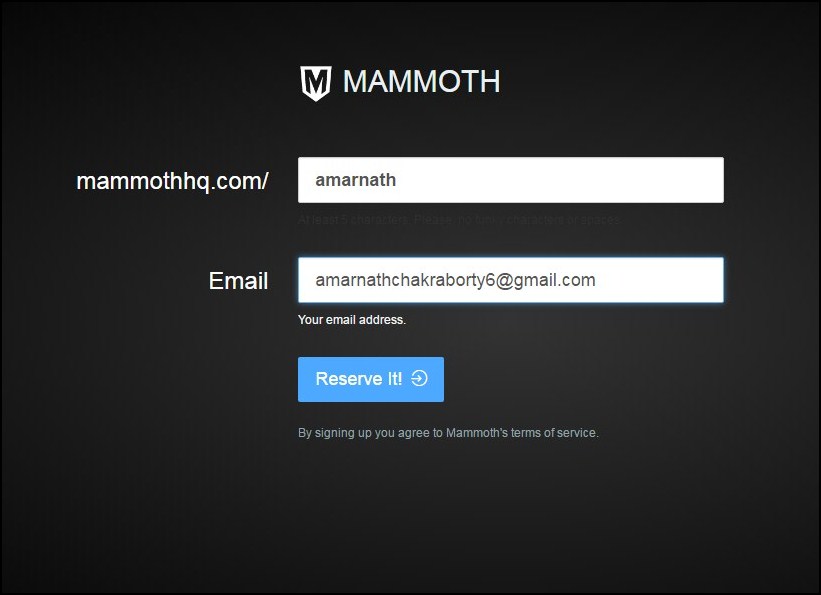
Step 4. Now on next screen, you will be entering an email address to use this tool. It will then ask you for the password.
Step 5. Now you will be successfully registered to this extension and now you are ready to use this extension.

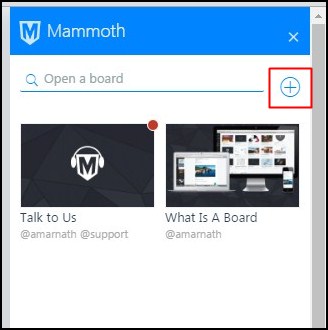
Step 6. Now click on add icon and then add any new board with any name and you are done.
Step 7. Now you just need to drag and drop your research your content from your browser screen to this extension board to save you content as a memo in your browser.
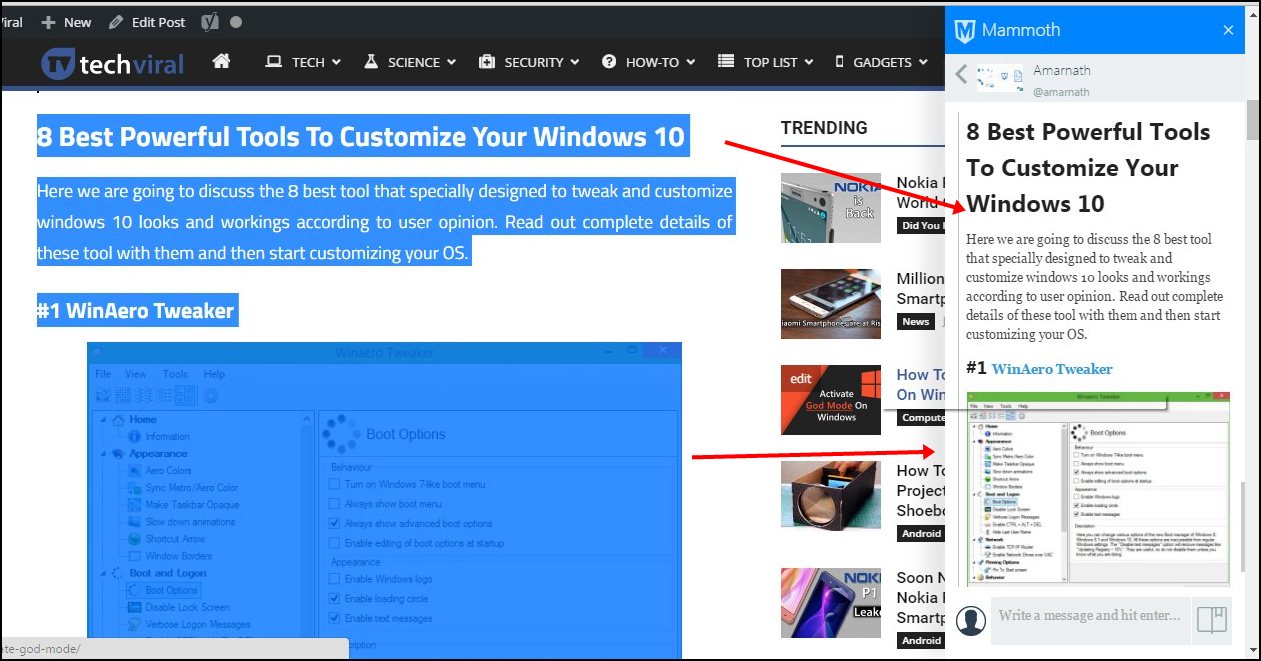
That’s it! you are done, now you will see your saved content will be displaying on your right screen in your extension and you can refer them later to boost your knowledge.
So above is all about Easily Save Your Internet Research On Google Chrome Using Mini Mammoth Chrome Extension. With this cool google chrome extension, you can easily save your important notes, articles, quotes and lots more that you didn’t want to miss out while researching over the internet. So use and manage your internet research. Hope you like this, do share with others too. Leave a comment below if you have any related queries with this.




0 comments :
Post a Comment