


n this tech world privacy is always the first priority. As we all know that whenever we let our friends borrow our phone, unknowingly we reveal all our crucial and personal information attached to the phone. Whether it is just for a phone call or SMS, the stalker could easily access the information like Call log, Gallery, Messages etc. Therefore, we are going to share a method that will let you hide calls and SMS logs on your Android smartphone . So have a look on complete guide discussed below to proceed.
How to Hide Calls and SMS Logs of Specific People in Android
The method is very simple and easy and depends on a cool android app that will allow you to lock your all calls records, text messages records and will display an empty files there and the user checking all these will think that these records are not actually present on that device and in that way your privacy will be ensure. So follow up the steps below to proceed.
Steps To Hide Calls and SMS Logs from Specific People In Android:
Step 1. First of all, you need to download and install the cool android app that is Shady Contacts that is the easiest way to ensure the privacy in your device.

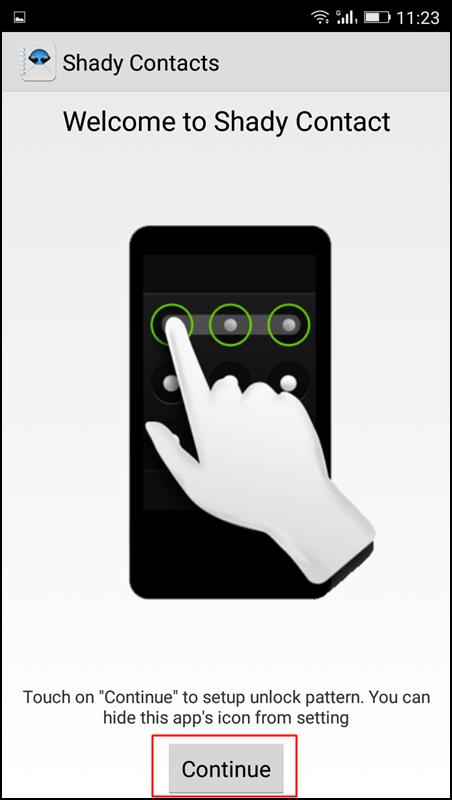
Step 2. Now after installing the app launch it on your device, and there on the screen you will see the button continue, simply tap on that button to move to the next screen.
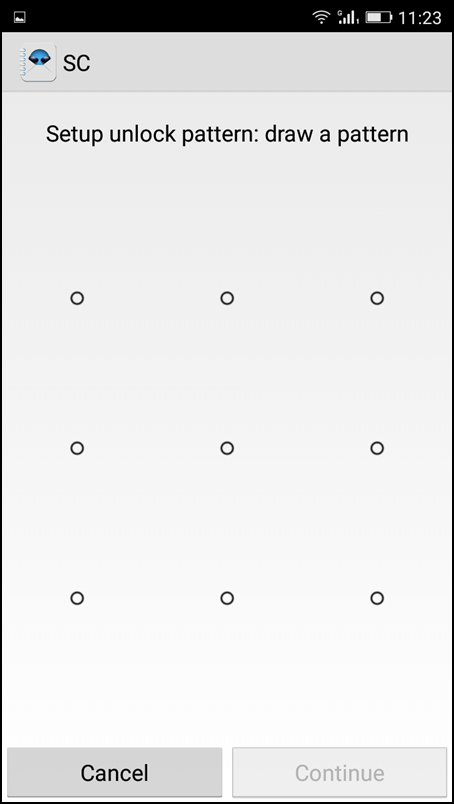
Step 3. Now on the next screen, you just need to set up a pattern for your security that will allow only selected user to access your android data.
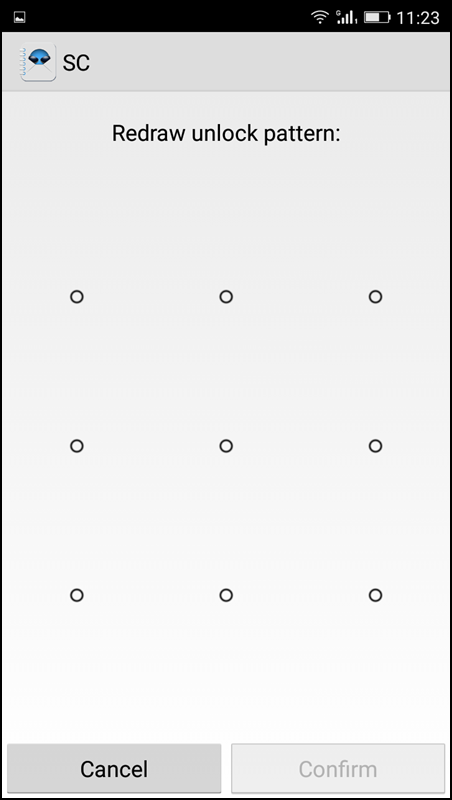
Step 4. And on next, you will be reconfirming that pattern again.
Step 5. Now on the next tab, you will be under call section where you will be setting up the privacy of your calls logs details.

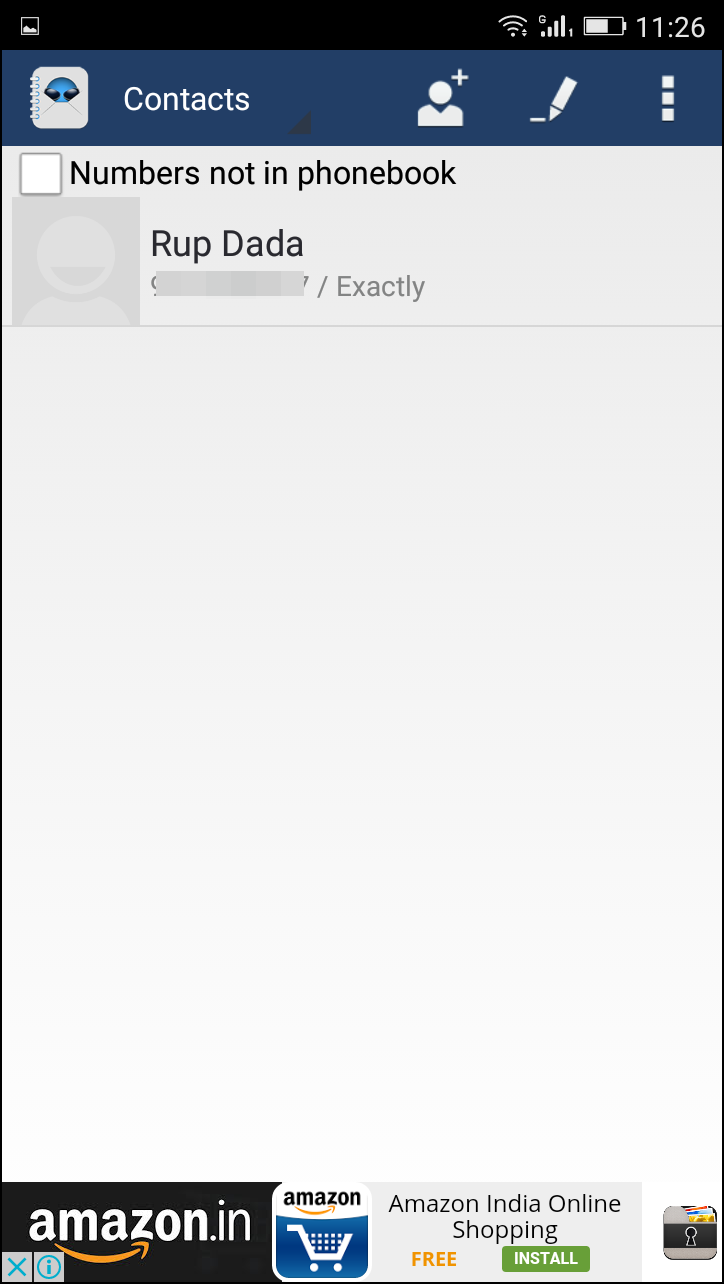
Step 6. Now you need to swipe towards the contacts option on the next page where you will allowing or disallowing Numbers, not in Phonebook.
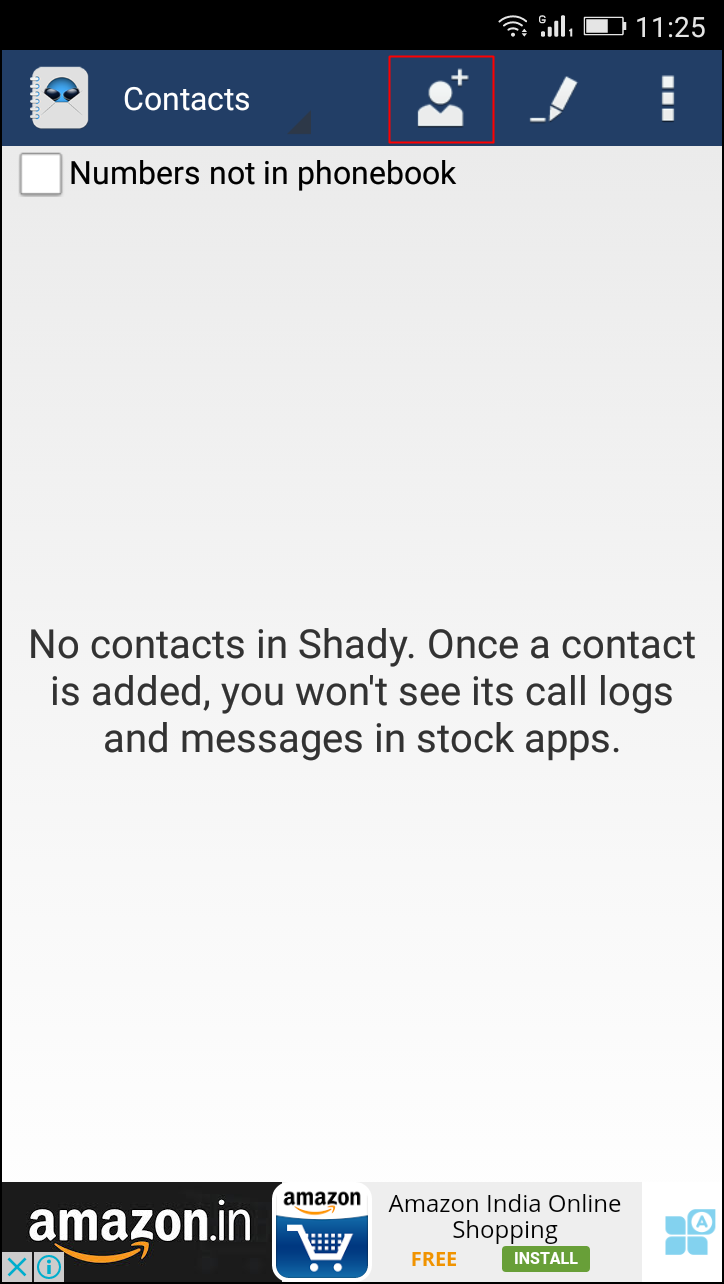
Step 7. Now you will be selecting the contacts whose details you want to hide from your call records and that will be not displaying the call record details of your android. Simply exit the app.
That’s it! you are done, Now your privacy is secure and all the selected contacts and messages will be hidden from the other users.
So above is all about Hide Calls and Texts from Specific People In Android. With these method selected contacts will be not displayed in android call records and also in message details and with this your privacy will ensure easily. Hope you like this cool solution, do share with others too. Leave a comment below if you have any related queries with the complete guide discussed above.




0 comments :
Post a Comment